
Address
Chhawni Jhanda Chouk, Ager Malwa, 465441
Email
vinayakcomputer101@gmail.com
Phone Number
+91 997785257,+91 9993357757
Basic Computer Course

Build Strong Computer Skills from the Ground Up

ABOUT ACADEMICS

About the Basic Computer Course

The Basic Computer Course is designed to help beginners understand computers and develop essential digital skills through simple, practical, and step-by-step training. At Vinayak IT Computer Education, students learn how computers work, how to manage files and folders, use office applications, browse the internet, communicate through email, and perform everyday computer tasks.

Our practical approach ensures that learners do not just understand computer concepts but also gain the confidence to apply them independently. Whether you are preparing for your first job, improving your academic skills, or simply want to become more comfortable with technology, this course provides a strong foundation for your digital journey.
Why Choose Our Basic Computer Course?

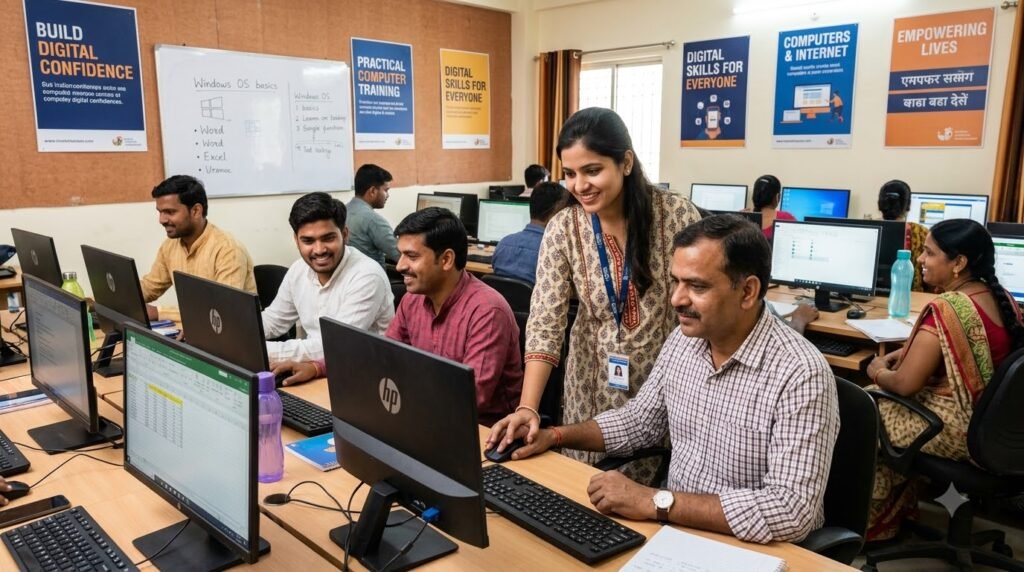
Build Digital Confidence with Practical Computer Training

At Vinayak IT Computer Education, we make computer learning simple, practical, and easy to understand. Our beginner-friendly training helps students develop essential digital skills through guided practice, expert support, and real-world computer applications.
Beginner-Friendly Learning

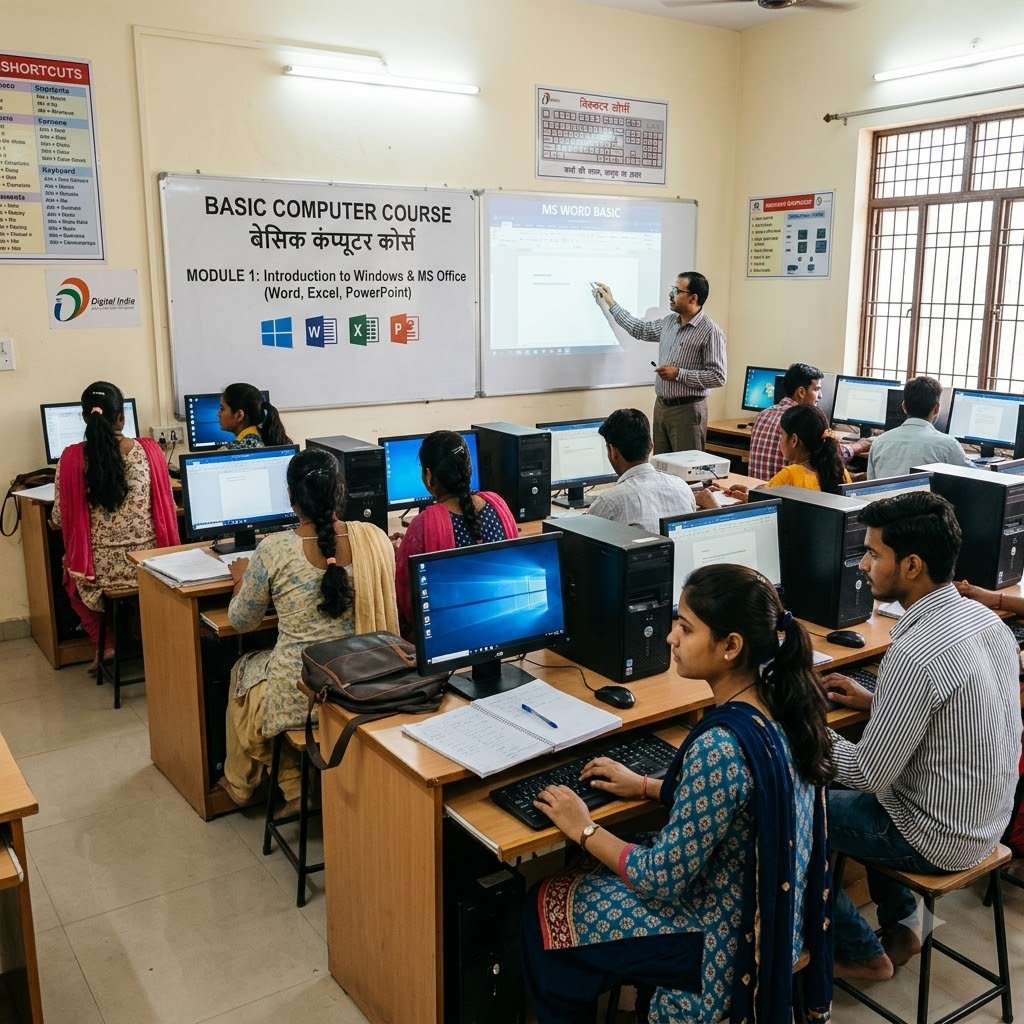
Learn computer concepts step by step without requiring advanced technical knowledge.

Practical Computer Training

Practice essential computer tasks directly on computers to build confidence through experience.

Essential Office Skills

Learn commonly used applications such as MS Word, Excel, and PowerPoint for everyday and workplace requirements.

Internet & Email Skills

Understand how to browse the internet, use search engines, create emails, send attachments, and communicate online.

Learning Process

Follow a Simple Path Toward Better Computer Skills

Our Basic Computer Course follows a simple and practical learning process. Students begin with computer fundamentals and gradually move toward office applications, internet usage, email, and other essential digital tasks. 

1

Learn Computer Fundamentals

Understand the basics of computers, hardware, software, operating systems, keyboard, and mouse.


2

Practice Windows & File Management

Learn how to manage files and folders, install basic software, and use Windows confidently.

3

Master MS Office

Gain practical skills in MS Word, MS Excel, and MS PowerPoint through hands-on exercises.

4

Develop Internet Skills

Learn web browsing, email communication, online forms, downloads, and essential internet safety.

5

Complete Practical Tasks

Apply your knowledge through assignments, exercises, and real-world computer activities.
FAQ

Frequently Asked Questions

We provide clear guidance to help you choose the right course and begin your computer learning journey with confidence.
It is a beginner-friendly course designed to teach essential computer skills for education, office work, and everyday digital activities.
Anyone can join, including students, beginners, job seekers, homemakers, and working professionals who want to improve their computer skills.
You will learn computer fundamentals, Windows, MS Word, MS Excel, MS PowerPoint, internet, email, typing, file management, printing, and basic online safety.
Yes. Students receive hands-on computer training through practical exercises and assignments.
The course generally takes 3 to 6 months, depending on the institute's curriculum and batch schedule.
Yes. Students who successfully complete the course receive a course completion certificate from Vinayak IT Computer Education.
Contact Vinayak IT Computer Education for information about admission, fees, batch timings, and the enrollment process.
No. The course starts from the basics, so it is suitable for students with little or no computer experience.